
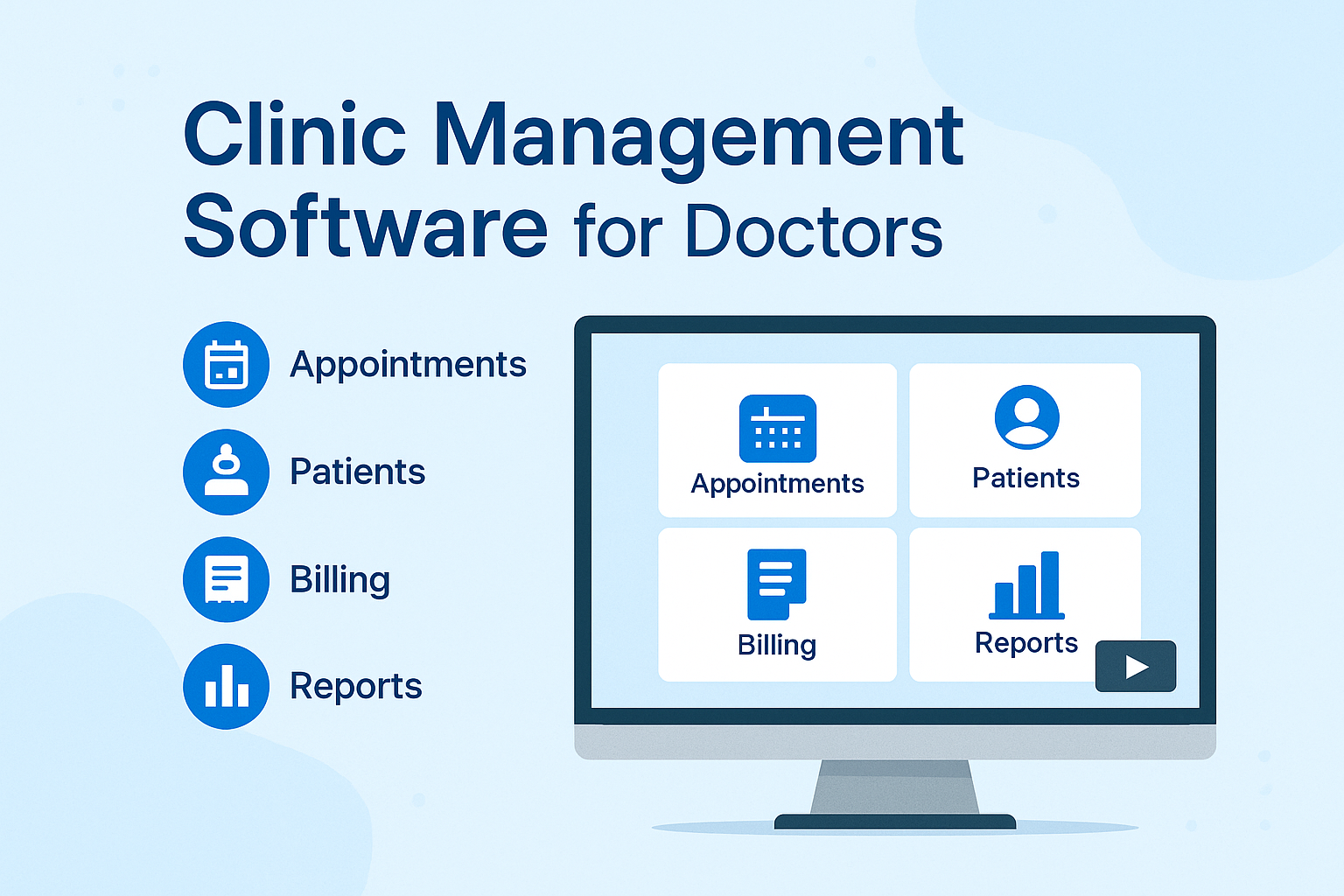
🌐 Transform Your Clinic into a Smart Digital Healthcare Hub
Our Clinic Management Software is a cloud-based healthcare management platform built for doctors, clinics, and healthcare professionals to simplify daily operations.
It brings together everything — appointments, patients, billing, pharmacy, reports, and support — into one secure and easy-to-use dashboard.
Whether you manage a single practice or multiple branches, this system automates workflows, reduces errors, and saves valuable time.
🗓️ 1. Appointment Management
-
Schedule appointments by doctor, date, time slot, duration & type
-
Display all bookings on an interactive calendar (daily/weekly/monthly view)
-
Quickly edit, cancel, or reschedule with drag-and-drop functionality
-
Get instant appointment stats: today’s, confirmed, pending, cancelled, etc.
-
Manage appointments seamlessly from desktop or mobile
👩⚕️ 2. Patient Management
-
Add new patients with personal details, contact info & visit history
-
Upload and manage reports, prescriptions, and documents
-
Record vital signs (height, weight, BP, temperature, pulse, etc.)
-
Securely manage data with role-based access control
-
Instantly retrieve any patient record or visit summary
📝 3. Clinical Notes & Prescriptions
-
Record Chief Complaint, History, Examination, Assessment & Plan
-
Create and print prescriptions or send directly to the pharmacy
-
Schedule follow-up appointments or lab tests
-
Auto-suggest medicines and common dosage templates
-
Share prescriptions digitally via WhatsApp or email
💳 4. Billing & Payments
-
Generate invoices for services, consultations, or pharmacy items
-
Track payments, dues, and refunds with ease
-
Support for Cash, UPI, Credit Card, or Insurance payments
-
Built-in tax, discount & rounding options
-
Export or print professional invoices anytime
💊 5. Pharmacy & Inventory
-
Manage stock levels, purchase orders & suppliers
-
Use POS billing for pharmacy sales
-
Get low-stock & expiry alerts automatically
-
Track purchases, sales, and movement of items
-
Generate detailed inventory and sales reports
📊 6. Reports & Analytics
-
Access financial, clinical, and operational reports
-
Filter by date, doctor, or service for instant insights
-
Create custom reports based on business needs
-
Export data to PDF or Excel
-
View daily revenue, top services, and patient trends in one place
⚙️ System Requirements & Technical Details
| Requirement / Info | Details |
|---|---|
| Internet | Active internet connection required |
| Browser | Google Chrome (Recommended) |
| Printing Support | Inkjet & Laser printers supported; Thermal printer integration available on demand |
| Hosting | Cloud-based shared hosting with fair usage policy |
| Database Storage | 0.3 GB included by default; expandable with add-ons |
| Security | Normal shared hosting security; End-to-end encryption not available |
| AMC (Annual Maintenance Contract) | Required, starts at ₹14999/year |
| Scalability | Add more clinics, storage, or users anytime |
| Support Hours | Chat & Email support: 9 AM – 7 PM (Mon–Fri) |
| Phone Support | Optional; available on demand as an add-on service |
⚠️ Hosting is subject to fair usage limits for storage and bandwidth to maintain performance and reliability.
💼 Included in the Base Package
-
1 Clinic setup (multi-user enabled)
-
Default 0.3 GB database storage
-
Web-based access (desktop & mobile responsive)
-
Chat & Email support during business hours
-
Free onboarding assistance
-
Add-ons available for storage, modules, and hardware integration
Clinic Management Software for Doctors – Demo
🎥 Watch the Demo Video
👉 https://youtu.be/8KbnrjG-1IQ
See how our software simplifies your clinic workflow — from patient registration to billing and pharmacy management.
💬 Frequently Asked Questions (FAQs)
Q1. What is Clinic Management Software?
It’s an all-in-one web platform that helps clinics manage appointments, patients, billing, pharmacy, and reports digitally — reducing paperwork and errors.
Q2. What are the system requirements?
You only need an internet connection and the Google Chrome browser. Printing works with inkjet or laser printers, and thermal printer integration is available on request.
Q3. Is it suitable for small and large clinics?
Yes. The software is scalable, supporting single-doctor practices and multi-branch clinics.
Q4. Can I print prescriptions and bills?
Yes, both prescriptions and invoices can be printed or downloaded in professional format.
Q5. How secure is the data?
The system uses normal shared hosting security. End-to-end encryption is not included by default but can be customized on private hosting setups.
Q6. What’s included in the AMC?
AMC (Annual Maintenance Contract) includes software updates, technical support, and hosting maintenance. Starts at ₹7999/year.
Q7. How much storage is included?
You get 0.3 GB database storage by default, with upgrade options available at low cost.
Q8. What kind of support is available?
We provide Chat and Email support from 9 AM to 7 PM (Monday to Saturday).
Phone support is available on demand as a paid add-on.
Q9. Can I increase my hosting space or add more modules later?
Yes, you can easily upgrade your plan to include extra storage, new modules, or custom features anytime.
Q10. Can I get a free demo?
Yes! Watch the demo video above or request a live walkthrough to explore the system.
Clinic Management Software, Doctor Appointment App, Patient Management System,
Clinic Billing Software, Pharmacy POS System, Hospital Management Software,
Cloud Based Clinic Software, Healthcare Automation India,
OPD Billing App, Affordable Clinic Software, AMC Healthcare Software,
Medical Record System, Thermal Printer Clinic App

Reviews
There are no reviews yet.